All Panels
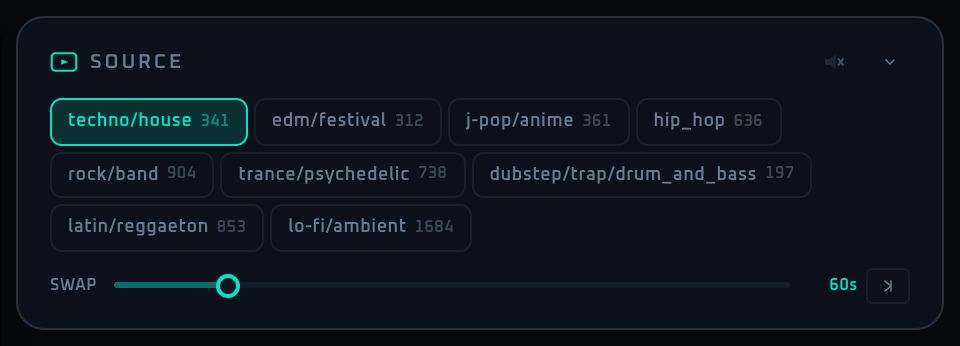
This panel selects the Curated video used as the main visual source, and controls genre (including None) and maximum clip length.
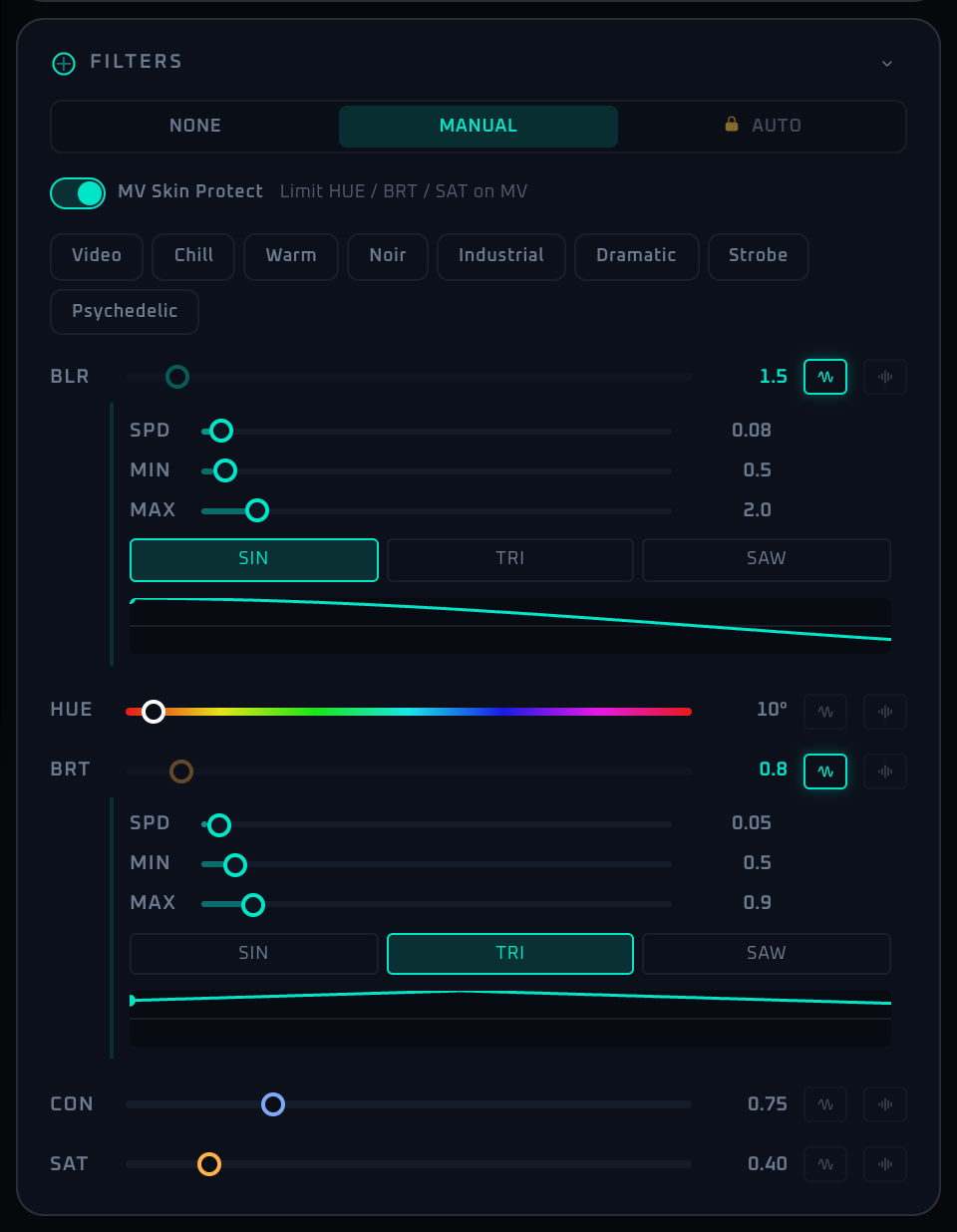
This panel layers a manual base value, LFO modulation, and audio-driven modulation across five filter parameters to shape the look in real time.
Pro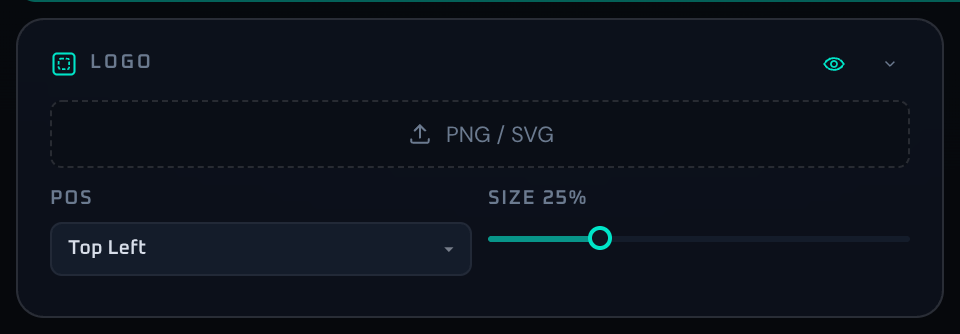
Upload a venue or event logo and control visibility, anchor position, and size on top of the main visuals.
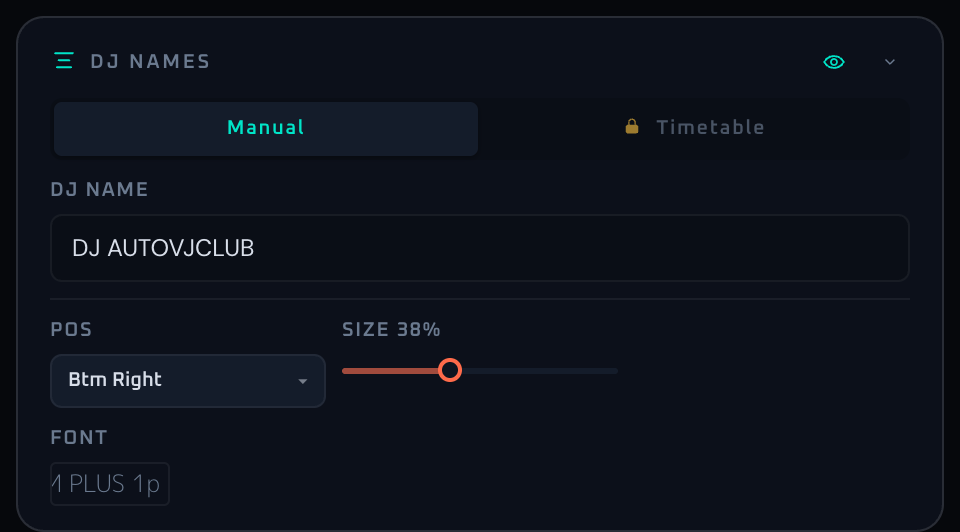
Display the current performer name as a video overlay. Supports manual entry, bulk timetable import, and per-entry font, position, and size control.
Pro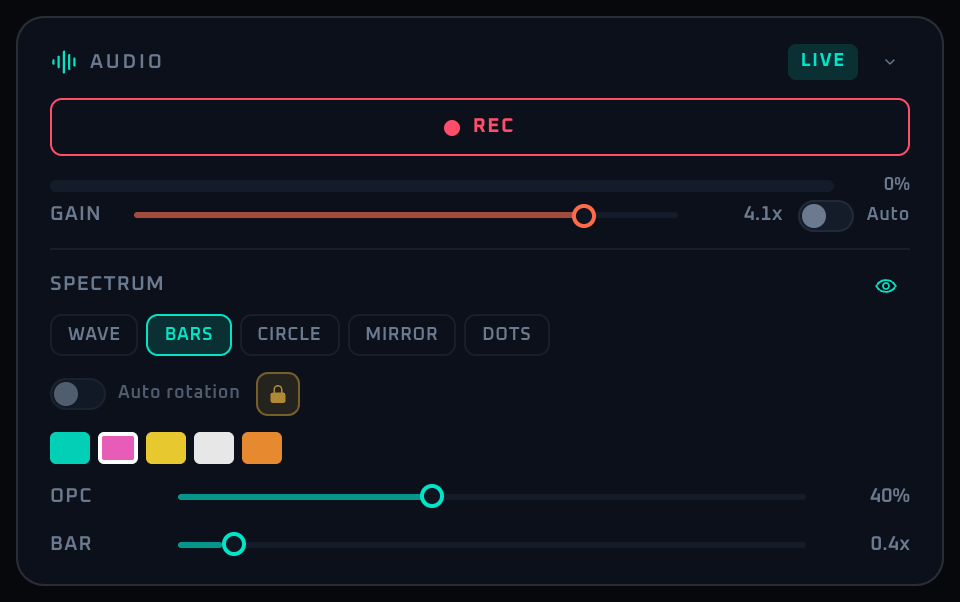
Manage microphone capture, automatic level control, the level meter, and the per-mode spectrum visualizer. This is the entry point for recognition and audio-driven motion.
Pro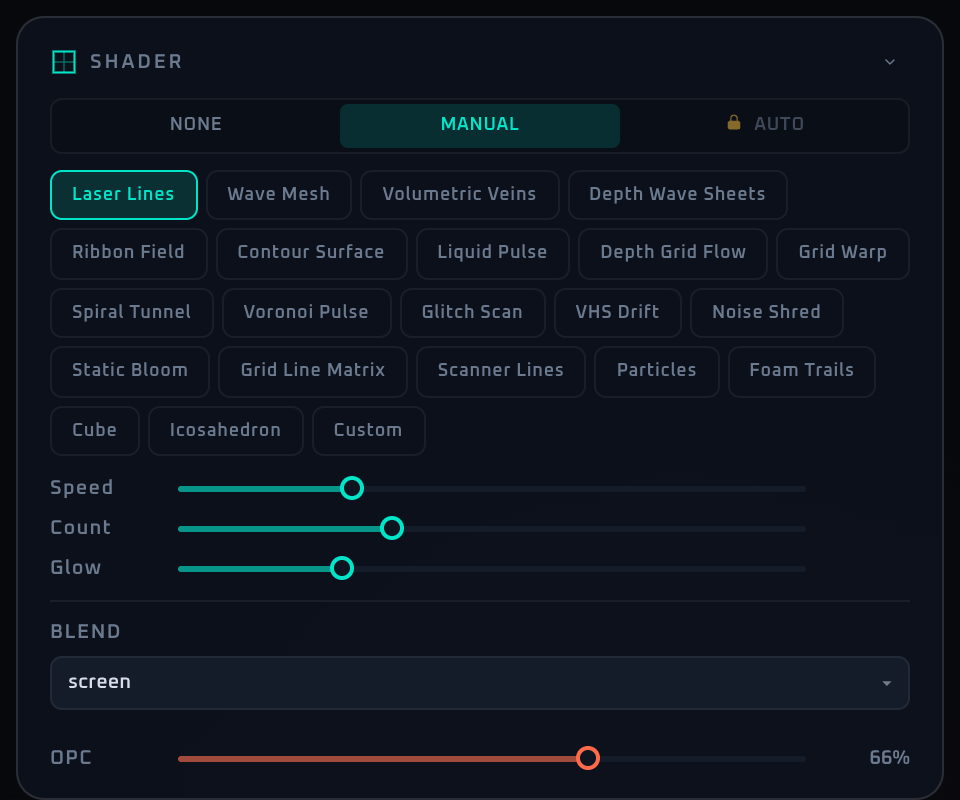
Layer GLSL-based effects across the full image. Manages presets, custom shader code, blend mode, and time-based rotation.
Pro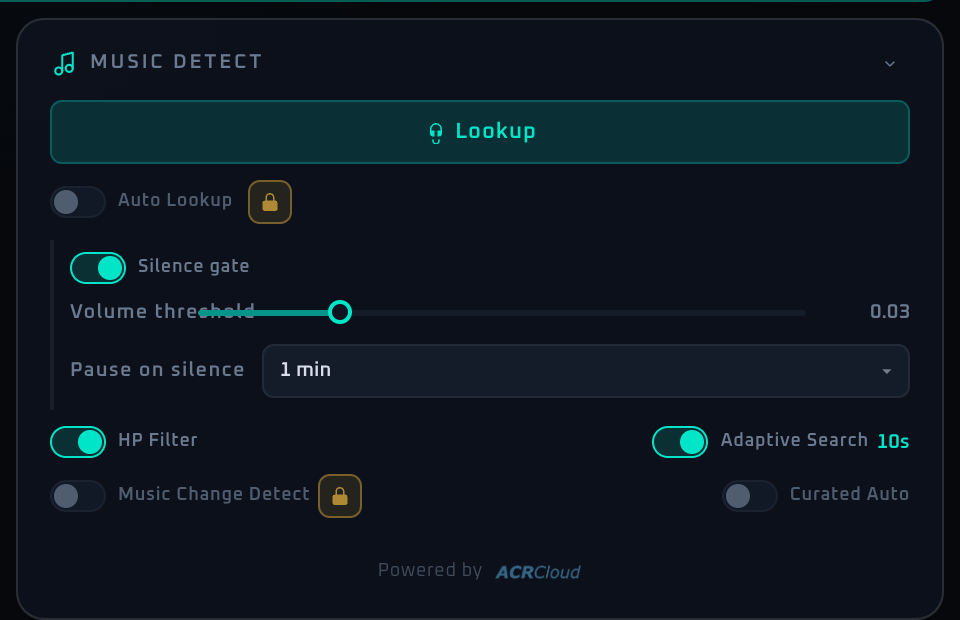
One switch for song recognition, plus silence gating and genre auto-switching. Most downstream automation depends on this panel.
Pro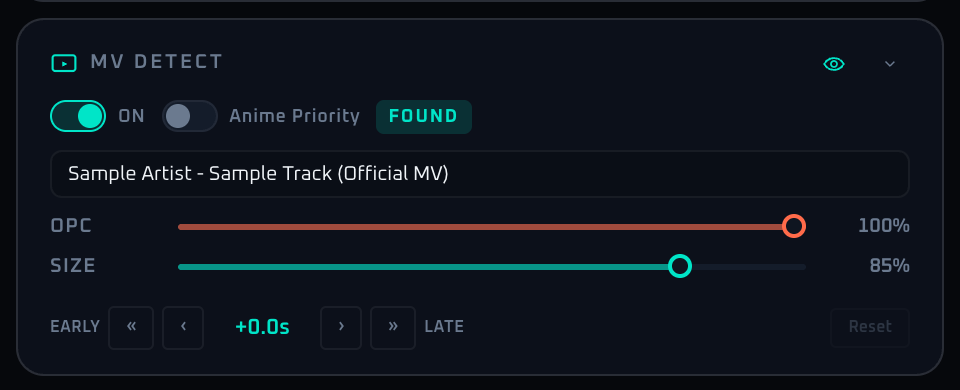
Search YouTube for the recognized song's music video and overlay it on the main visuals. Controls anime preference, size, opacity, and lip-sync offset.
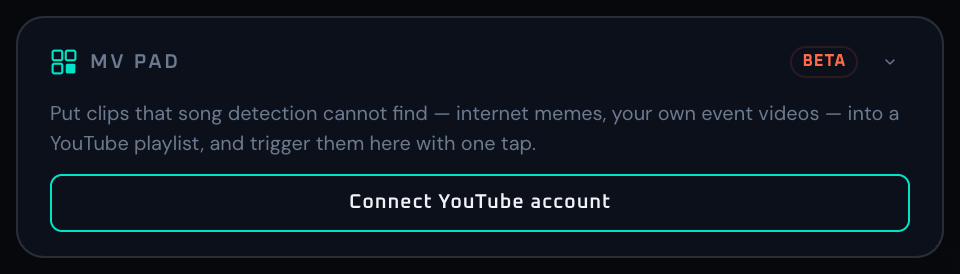
Search YouTube by keyword and trigger any result onto your main output with one tap. Built for the clips song detection cannot find — internet memes and event footage — played exactly when you want them.
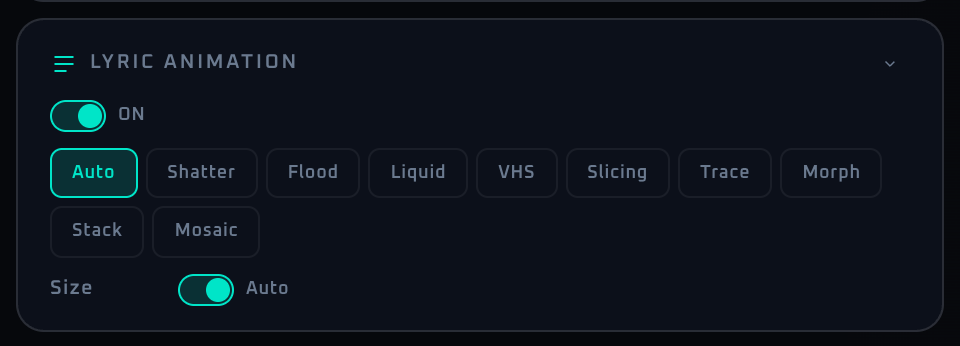
Animates the recognized song's lyrics. The only controls are display ON/OFF and the animation type — size, spacing, and font are optimized automatically.
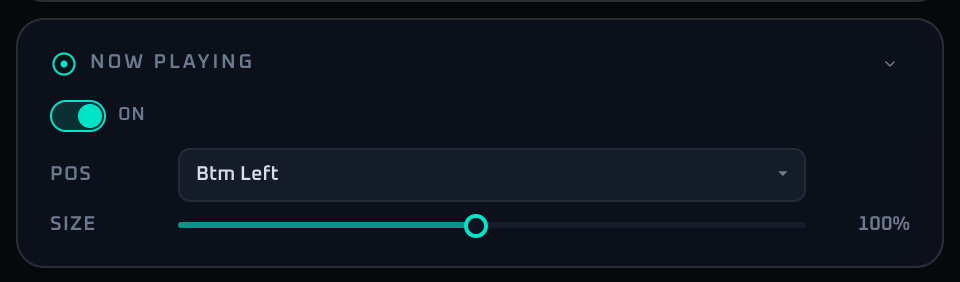
Manage the Now Playing overlay that shows the recognized title and artist. Controls visibility, anchor position, and size.
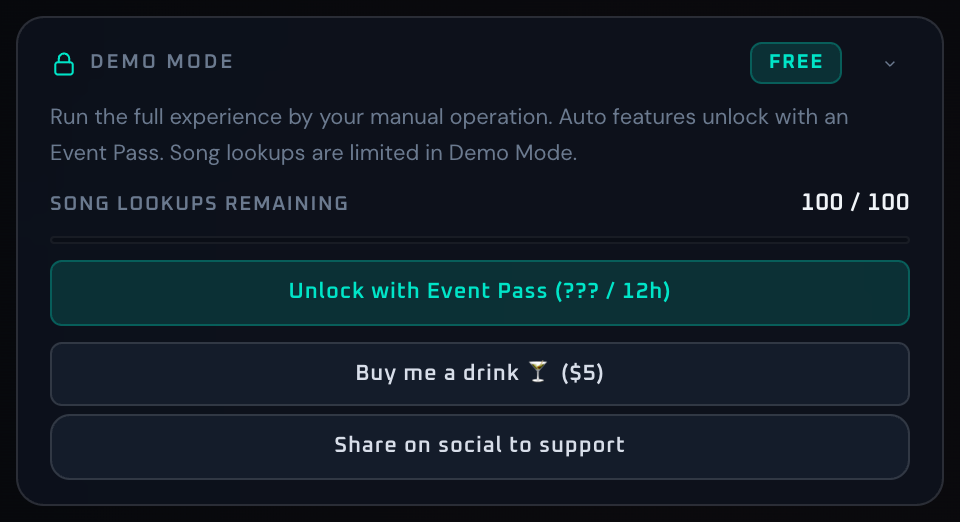
Shows demo usage state, upgrade guidance, demo reset, and social share. Hidden once Pro Event Pass is active.

The critical panel that enters VJ mode and manages fullscreen output. In multi-display setups, you can also choose which screen to send to.