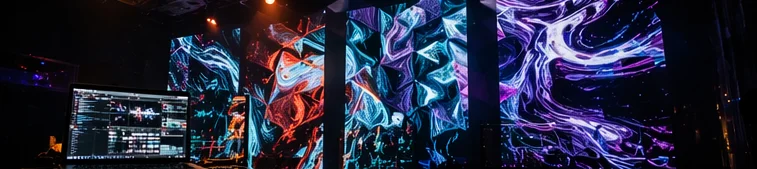
Why pro VJ tools run at higher density
Resolume, VDMX, and similar live VJ environments surface a lot of information simultaneously: clip thumbnails, effect chains, layers, meters, hardware surfaces. That density is what supports professional operator speed in live settings.
It is not "complicated" so much as efficiency-optimized. Experienced users find it ideal; newcomers find it heavy. Both reactions are correct from their respective vantage points.
autovjclub leans toward first-touch comfort instead, deliberately keeping the simultaneous element count down.
autovjclub UI facts
- Sections are collapsible cards
- Source, Filters, Overlay, Audio, and others are independent cards that fold away. Open them only when needed.
- Sized for phone interaction
- Sliders and switches are sized for fingertip use. That makes elements larger and density naturally lower than mouse-only UIs.
- Sliders use normalized ranges
- Most values run roughly 0–1. You rarely interact with raw units (dB, Hz, ms), which keeps the surface less intimidating without limiting the practical control.
- Few hidden keyboard shortcuts
- The "fast for the initiated" shortcut layer common in pro tools is intentionally minimal. What you see is what you get.
- Main output is its own surface
- Controls live on a separate screen, so the live output does not include any UI overlay — that drops visual noise during real use.
The trade-off of simplicity
Reducing simultaneous elements means deeper controls are either hidden or not offered. When operators expect the density of pro tools, dedicated software ends up being faster overall.
The autovjclub UI is the result of optimizing "do not overwhelm at first" — whether that fits your use case depends on the use case.
FAQ
How customizable is the layout?
Layout customization is limited — that is the trade-off for fewer visible elements. If you need to restructure the screen, dedicated software is a better fit.
Can I bring more on-screen information back?
Now Playing, DJ name, and lyrics are each toggle-able. You can raise the density on the output side as you like.