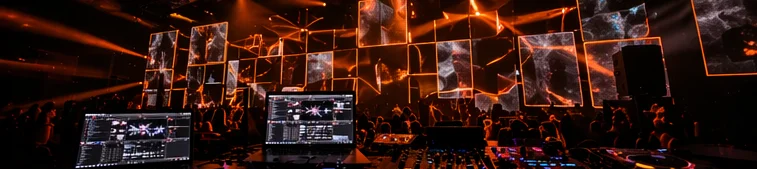
Basic hardware
- A playback computer (Mac or Windows)
- Monitor or projector with HDMI input
- Reliable internet access (10Mbps+ downstream, wired if possible)
- A mic that can hear the room (USB mic preferred)
- A phone or support device for staff control
- Power, HDMI, and cable basics
- A Google account (for cross-device sync)
Recommended operating conditions
- Latest Chrome (the officially supported browser)
- At least 4 CPU cores, Apple Silicon M1 or later ideally
- 8GB RAM or more
- WebGL 2 capable GPU (discrete preferred; no SwiftShader fallback)
- Wired Ethernet or a venue-only 5GHz Wi-Fi SSID
- Sleep, auto-lock, and screensaver disabled
- Always on AC power (not battery saver)
Realistic hardware options
- Existing bar / venue PC (Windows or Mac)
- Anything from 2019 onward is usually fine. Machines older than about five years need verification. The test is simple: run the demo fullscreen for 30 minutes and confirm FPS stays steady.
- Cheap mini PCs (Intel NUC, Beelink, MINISFORUM)
- A dedicated playback machine typically costs $300 to $500. Best choice if you do not want to tie up the bar's main PC. HDMI out and Wi-Fi are the only requirements.
- Mac mini / MacBook Air (M1 or later)
- Apple Silicon delivers very stable WebGL. Slightly pricier, but refurbished models start around $600.
- Avoid
- Pre-2015 Intel Macs, integrated-GPU budget laptops, tablets / Chromebooks (not recommended as the primary display).
Network realities
The 10Mbps figure is a floor, not a target. Sharing the connection with customer Wi-Fi on a packed Friday night will cause moments where bandwidth simply evaporates and playback stalls. Keep a venue-only SSID, or buy a dedicated line.
If a wired connection is available, use it unconditionally. Wireless is subject to interference from microwaves, neighboring venue Wi-Fi, and more — real-world dropouts do happen. Keep a mobile hotspot available only as an emergency fallback.